
Params
Editor Live
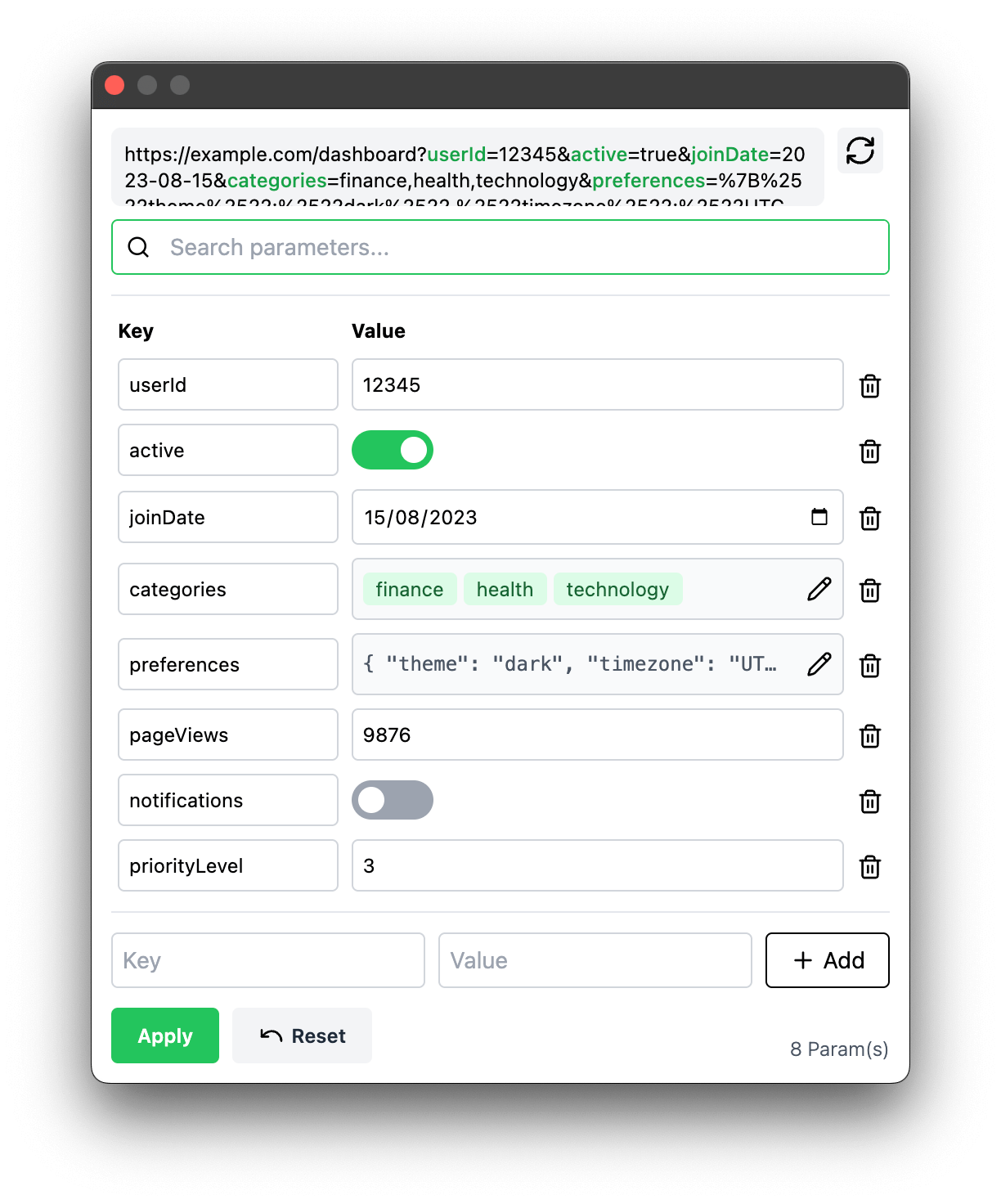
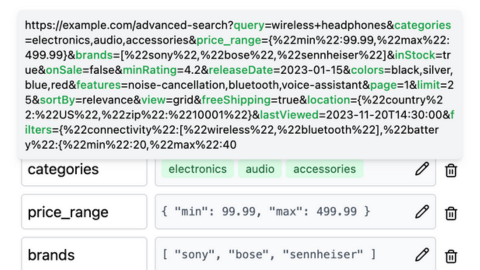
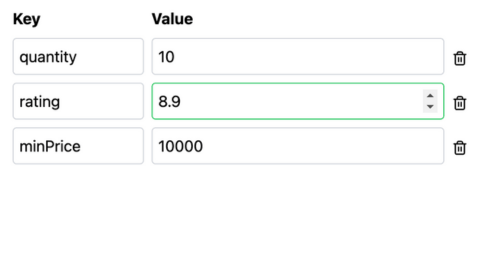
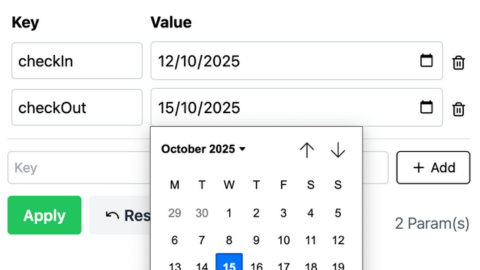
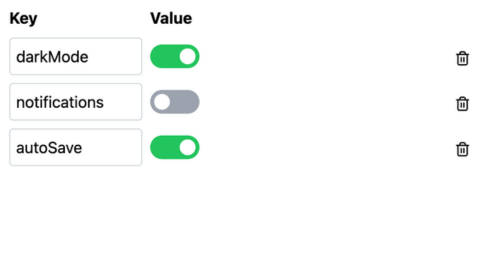
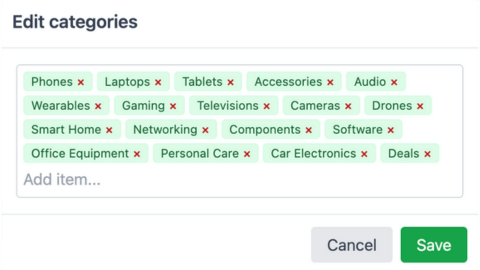
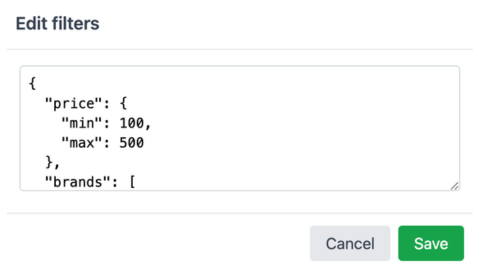
The smartest way to edit URL parameters in Chrome. Automatically detects parameter types and provides the perfect input for each one. Features smart parameter detection, number fields with validation, date pickers, boolean toggles, list editors, and a built-in JSON editor with syntax highlighting.
The smartest way to edit URL parameters in Chrome. Automatically detects parameter types and provides the perfect input for each one. Features smart parameter detection, number fields with validation, date pickers, boolean toggles, list editors, and a built-in JSON editor with syntax highlighting.

Product of Day (Product Hunt)
4th
Average DAU
70+
Users
800+
Platform
Chromium Extension


stars
Key Features
layers Tech Stack
Chrome extension built with modern web technologies.
As my first Chrome extension project, I built a starter template with the full required tech stack and essential features set up for easy reuse.
It was interesting to learn about the extension lifecycle and to build a background service that enables URL updates.
AI Tools
-
 Cursor
 -
 OpenAI
 -
 Gemini
 -
 Claude
Frontend
-
TypeScript
-
HTML
-
CSS
-
TailwindCSS
-
 PostCSS
Build Tools
-
Webpack
-
PNPM
photo_library Project Visuals
forum User Feedback
format_quote

Péter Szabó
Definitely helpful if you have workloads that heavily involve working with very long urls. Looking forward for some shortcuts to assist with a more keyboard-centric way of dealing with parameters! :)
star
star
star
star
star

Sailesh Sahu5 / 5
Great plugin! Does what it says. Recommend it!

Erliza. P
Params Editor = Your URL query param Swiss Army knife! 🔧 Auto-detects types (text → JSON) & gives tailored input controls. QA teams & devs - say goodbye to manual string wrangling. #DevTools

Shubhra Motgill
Seems like a promising product. Awesome 👍
arrow_back
Next Project
Price List Pro
arrow_forward
Previous Project
WhenWhere